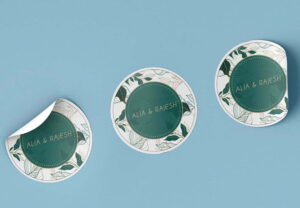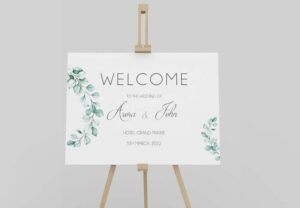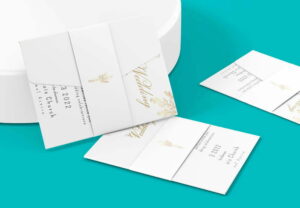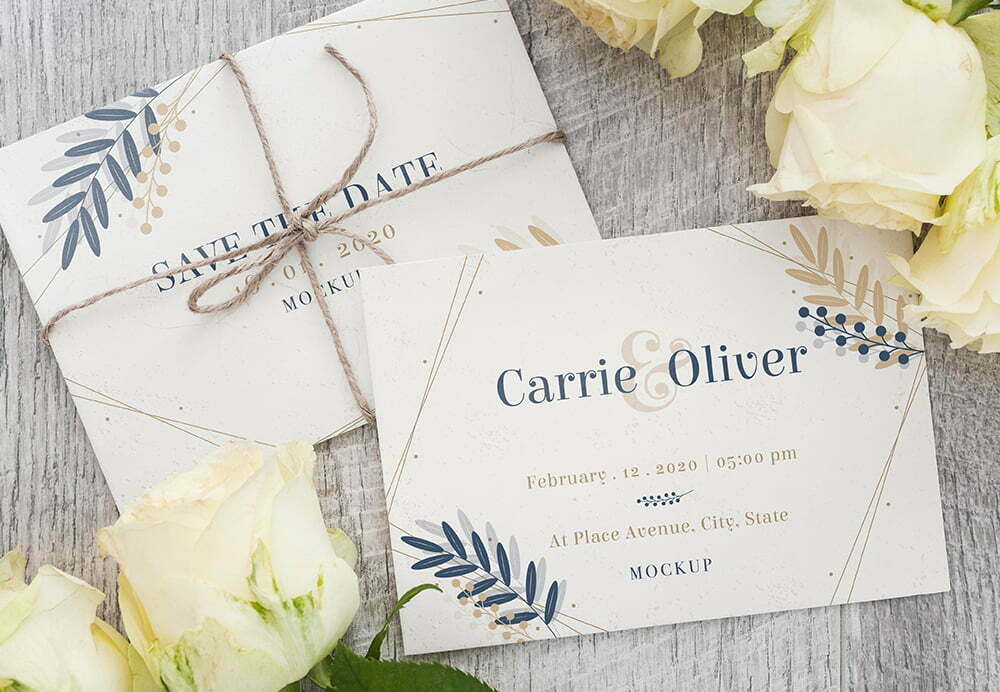
Personalised save the date cards for your wedding
Choose and personalise save the date cards that give friends and family an early reminder of your wedding date. The available collection covers a range of styles, from vintage and floral to modern, boho, rustic and simple designs. Select a template, add the details that matter to you and order cards that can coordinate with the rest of your wedding stationery.
Why send a save the date card?
A save the date card lets guests know the date before the full invitation arrives. It gives them an opportunity to mark the day in their calendars and plan ahead, which can be particularly useful for a destination wedding or a celebration during a busy season. It also provides a simple first glimpse of your chosen wedding style.
These cards are intended to announce the date rather than replace the full invitation. Keep the message clear and include only the information you are ready to share. You can follow later with your formal personalised wedding invitations and, where needed, matching RSVP cards.
Ways to personalise your design
The save the date templates are customisable. Depending on the design you select, you can add your chosen details and change the colour, background, picture and fonts. The collection includes traditional and contemporary looks, so you can begin with a style that suits your plans rather than starting from a blank card.
- Wording: add the couple’s names, wedding date and the message you want guests to receive.
- Colour and background: adapt these elements within the design tool to suit your chosen look.
- Picture: use a photograph where it forms part of your selected design.
- Fonts: choose and edit typography to make the information clear and consistent with the card.
The product also has artwork upload enabled for JPG, JPEG and PDF files, with a minimum resolution requirement of 300dpi. If you use the upload option, prepare your file carefully and make sure its text is legible. The uploader is configured for up to two files, which reflects the two-sided card setup in the product record.
How to order save the date cards
- Choose your design route. Start with one of the available templates, or use the artwork upload option if it suits your order.
- Personalise the card. Add the details you want to share and adjust the editable design elements.
- Select the live product options. Use only the choices displayed in the product configurator, as these are the options available for the order.
- Review the design carefully. Check names, the date, location and all other wording before continuing.
- Complete your order. Confirm the selections shown on the product page and add the configured cards to your basket.
If you are preparing your own artwork, see the wedding stationery templates and help information before ordering. For a question that is not answered there, use the contact page.
Coordinate your before-the-day stationery
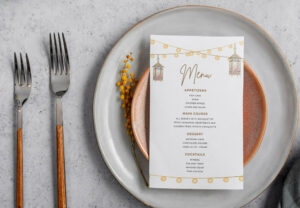
The save the date range forms part of a wider wedding collection. You can continue the same overall theme across invitations and other pieces used before and during the celebration. Useful next steps include wedding invitations, RSVP cards and wedding menu cards. You can also browse the wider wedding printing range.
Ready to begin? Choose a save the date design, personalise the information and use the options currently shown on the product page to place your order.